
4K IPTV USA
Live TV, Movies & Series
in Ultra HD Quality
Get access to 40,000+ Live TV channels, 200,000+ Movies & Series with our 4K IPTV USA service. Watch anywhere in the USA on all your favorite devices with a smooth and reliable streaming experience.
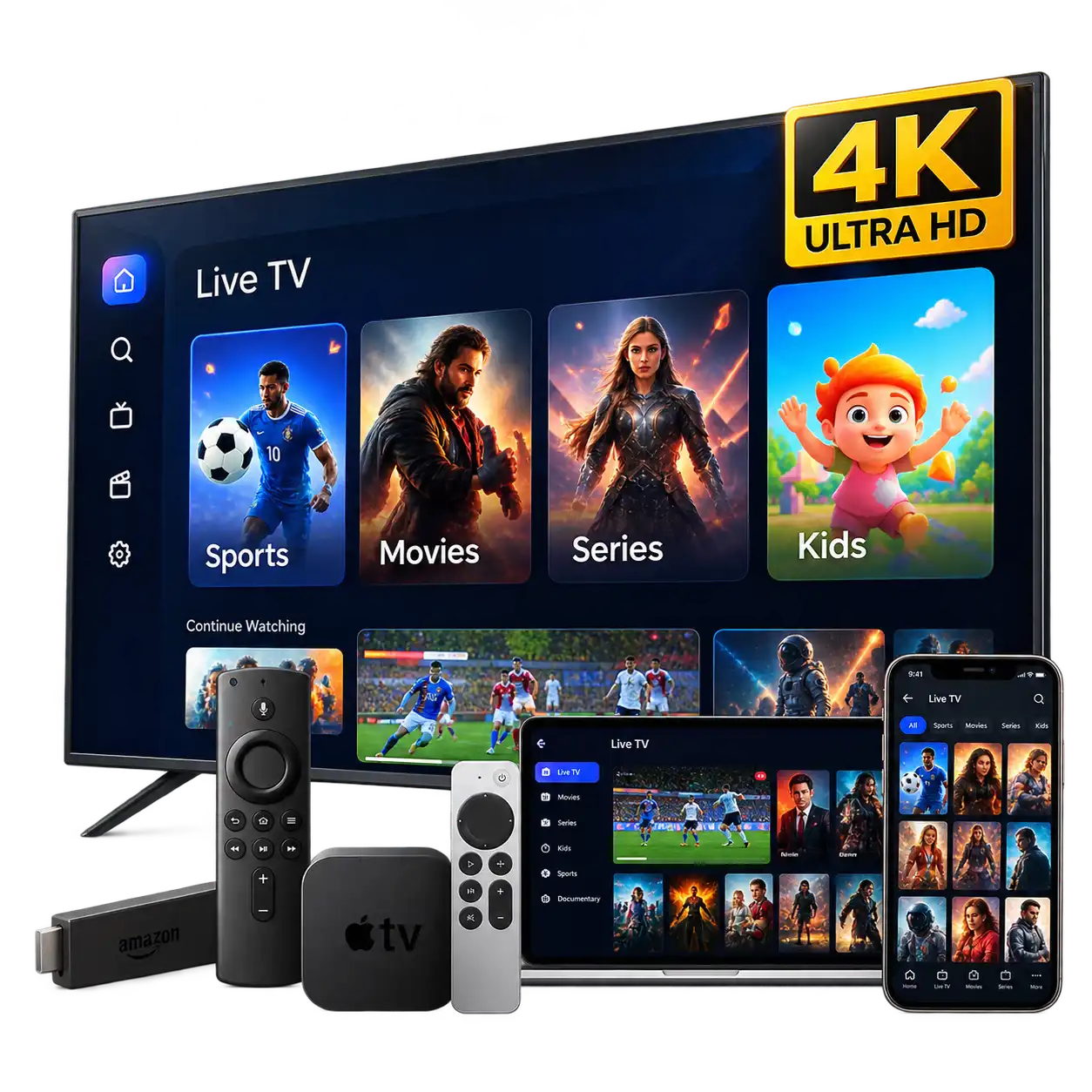
Watch on All Your Devices
Enjoy 4K IPTV USA on any device, at home or on the go. Compatible with all popular IPTV players and devices.
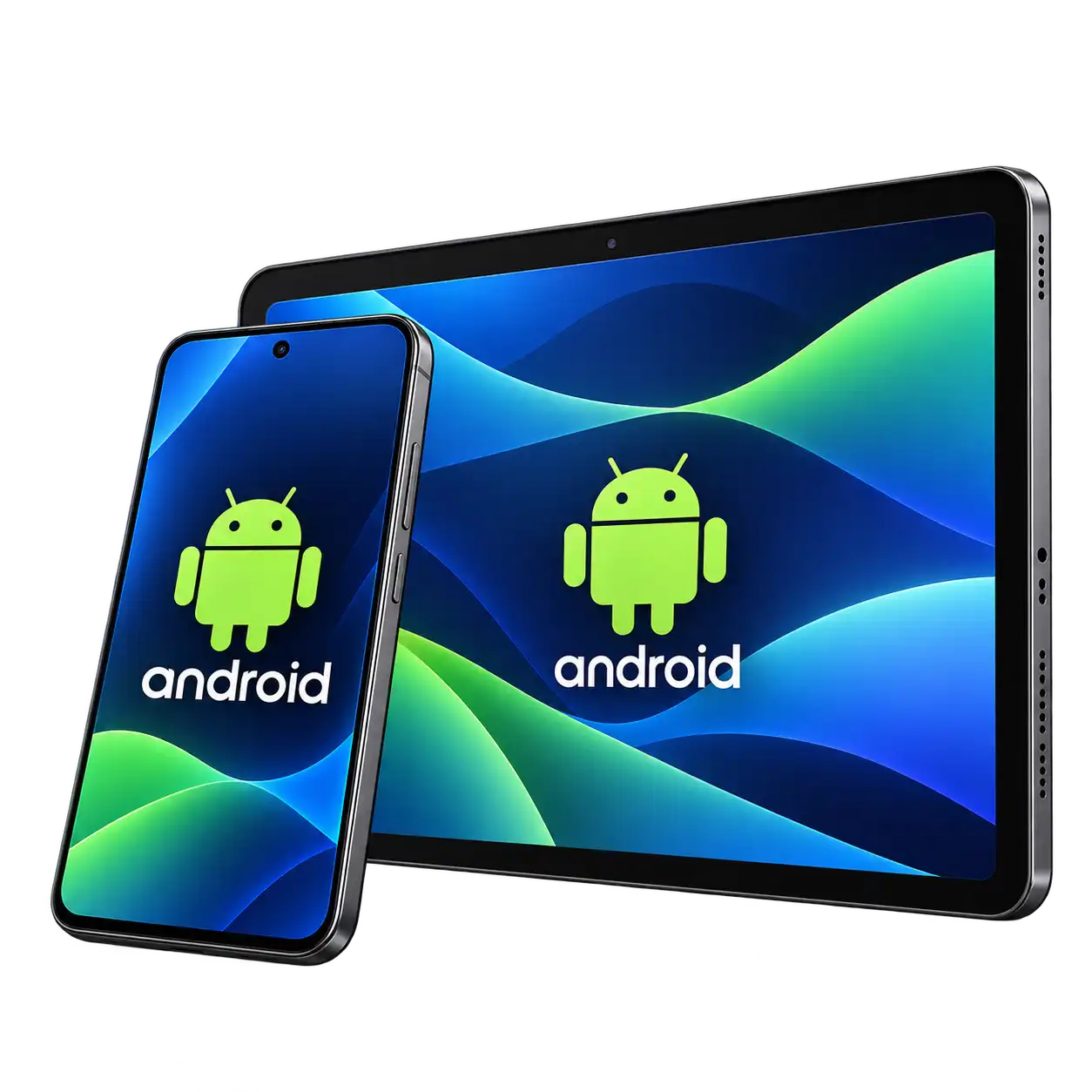 Android
 Other Devices
Simple & Affordable 4K IPTV Plans
Choose a flexible IPTV subscription for 1 to 5 devices. Every plan includes the same core service.
1 Month
Perfect for testing
- 40,000+ Live TV Channels
- 200,000+ Movies & Series
- HD, FHD & 4K Quality
- TV Guide (EPG)
- Anti-Freeze Technology
- Instant Activation
- 24/7 Customer Support
3 Months
Best value
- 40,000+ Live TV Channels
- 200,000+ Movies & Series
- HD, FHD & 4K Quality
- TV Guide (EPG)
- Anti-Freeze Technology
- Instant Activation
- 24/7 Customer Support
6 Months
Save more
- 40,000+ Live TV Channels
- 200,000+ Movies & Series
- HD, FHD & 4K Quality
- TV Guide (EPG)
- Anti-Freeze Technology
- Instant Activation
- 24/7 Customer Support
12 Months
Maximum savings
- 40,000+ Live TV Channels
- 200,000+ Movies & Series
- HD, FHD & 4K Quality
- TV Guide (EPG)
- Anti-Freeze Technology
- Instant Activation
- 24/7 Customer Support
Everything You Need for the Best Streaming Experience
Massive Content
40,000+ live channels & 200,000+ VOD.
4K Ultra HD
HD, FHD and 4K quality.
Always Stable
Built for smooth playback on a stable connection.
TV Guide (EPG)
Stay updated with your full program guide.
Multi-Device
Use it on up to 5 devices, depending on your plan.
24/7 Support
Help with setup and questions, any time.
How It Works
Get your 4K IPTV USA subscription in just a few simple steps.
1. Choose a Plan
Select the plan that fits your needs.
2. Complete Payment
Pay securely with your preferred method.
3. Receive Details
Get your IPTV credentials instantly by email or WhatsApp.
4. Start Streaming
Set up on your device and enjoy thousands of channels.
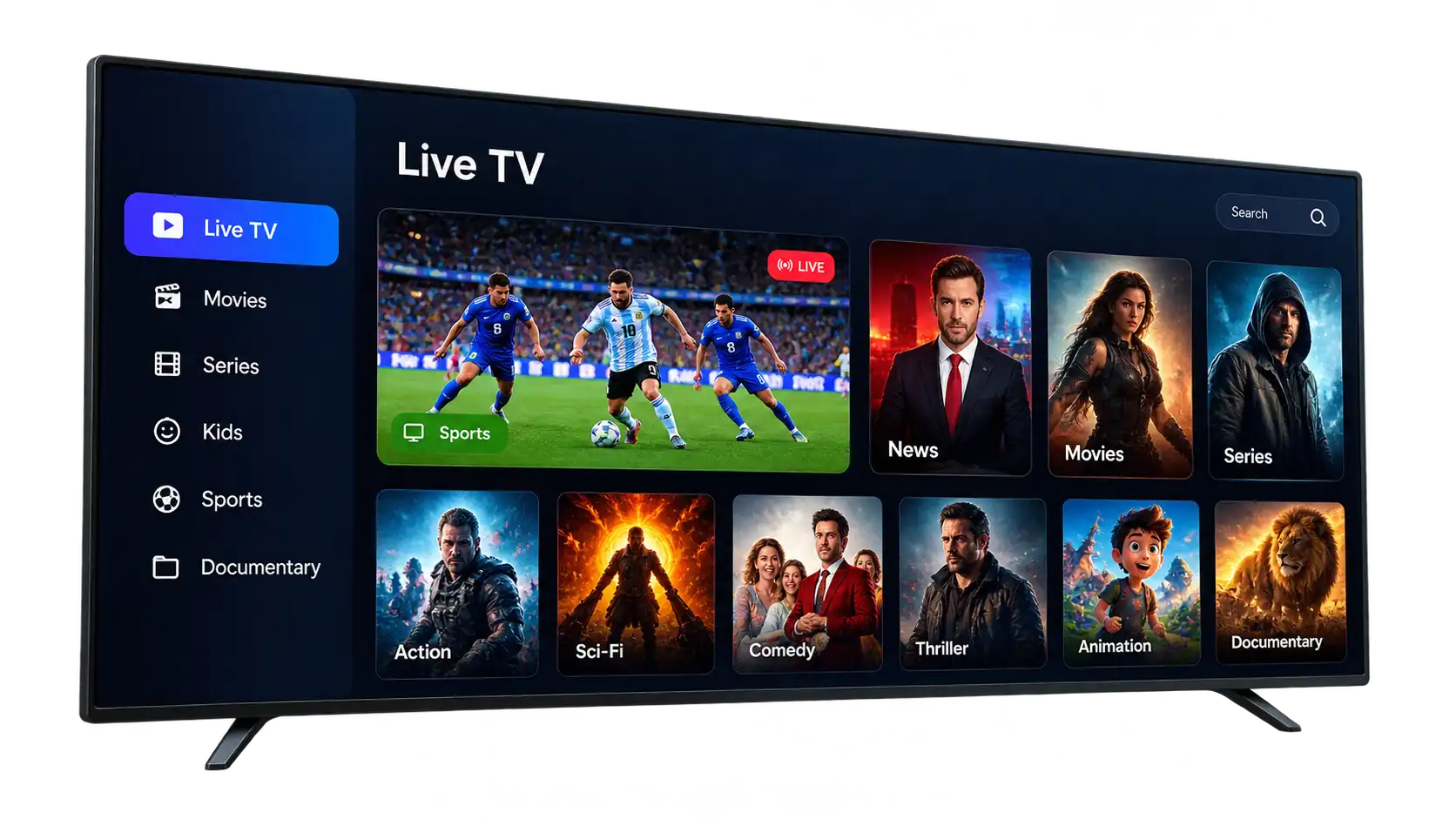
Live TV, Sports, Movies and More
From live sports and news to the latest movies and series, 4K IPTV USA gives you something to watch for the whole family.
- Sports: NFL, NBA, MLB, UFC and more
- News: USA, UK and international channels
- Movies & Series: Latest releases and classics
- Kids: Safe and fun content for children
- International: Channels from around the world
How to Set Up 4K IPTV USA on Your Device
Follow these simple steps to start watching in minutes. Choose your device below.
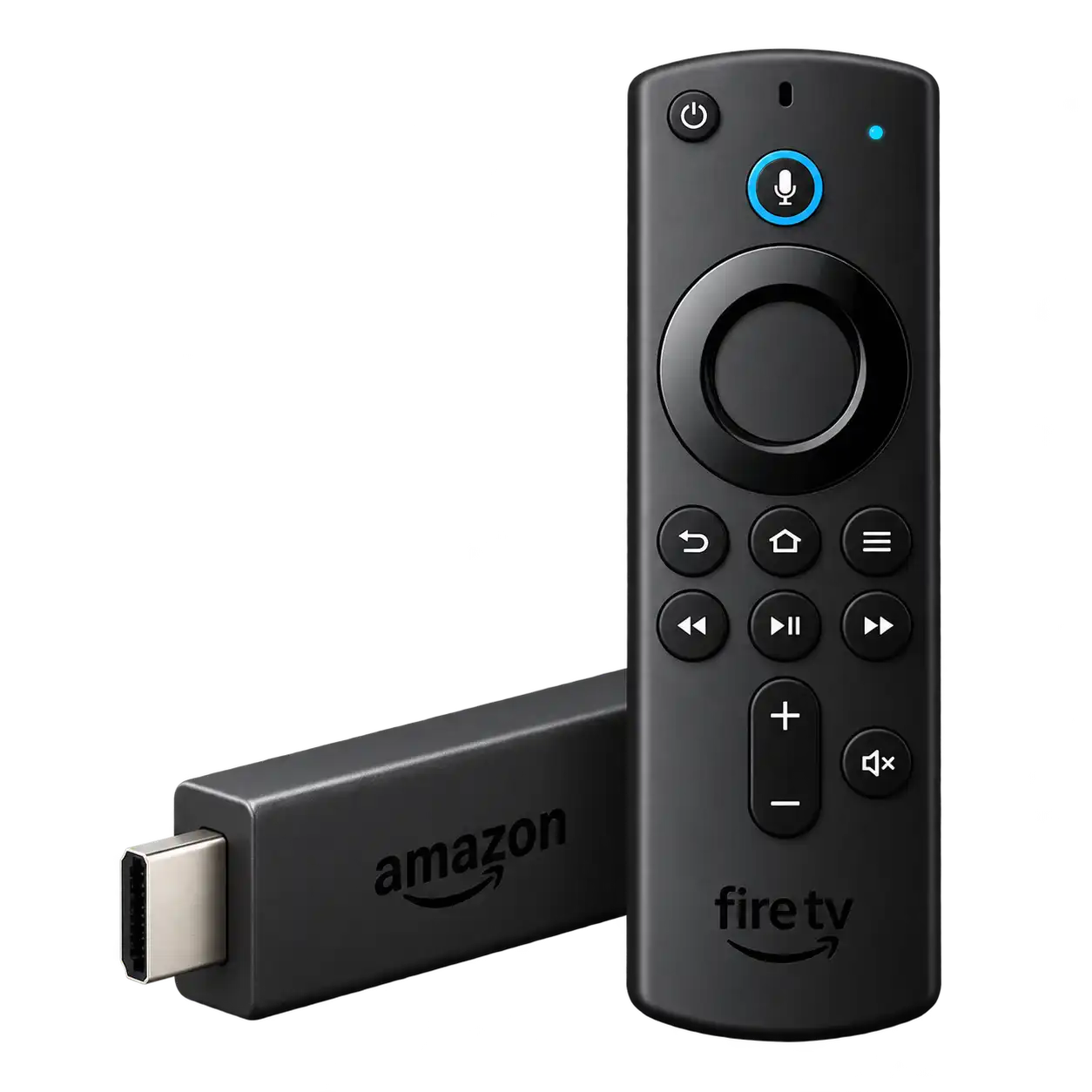
IPTV on Fire TV Stick
Amazon Fire TV- On the Fire TV home screen, open Find → Search and install the IPTV player app we recommend.
- Open the app and choose to add a new playlist or log in with your IPTV details.
- Enter the login details we sent you by email or WhatsApp.
- Wait for the channels to load, then pick a channel and start watching.
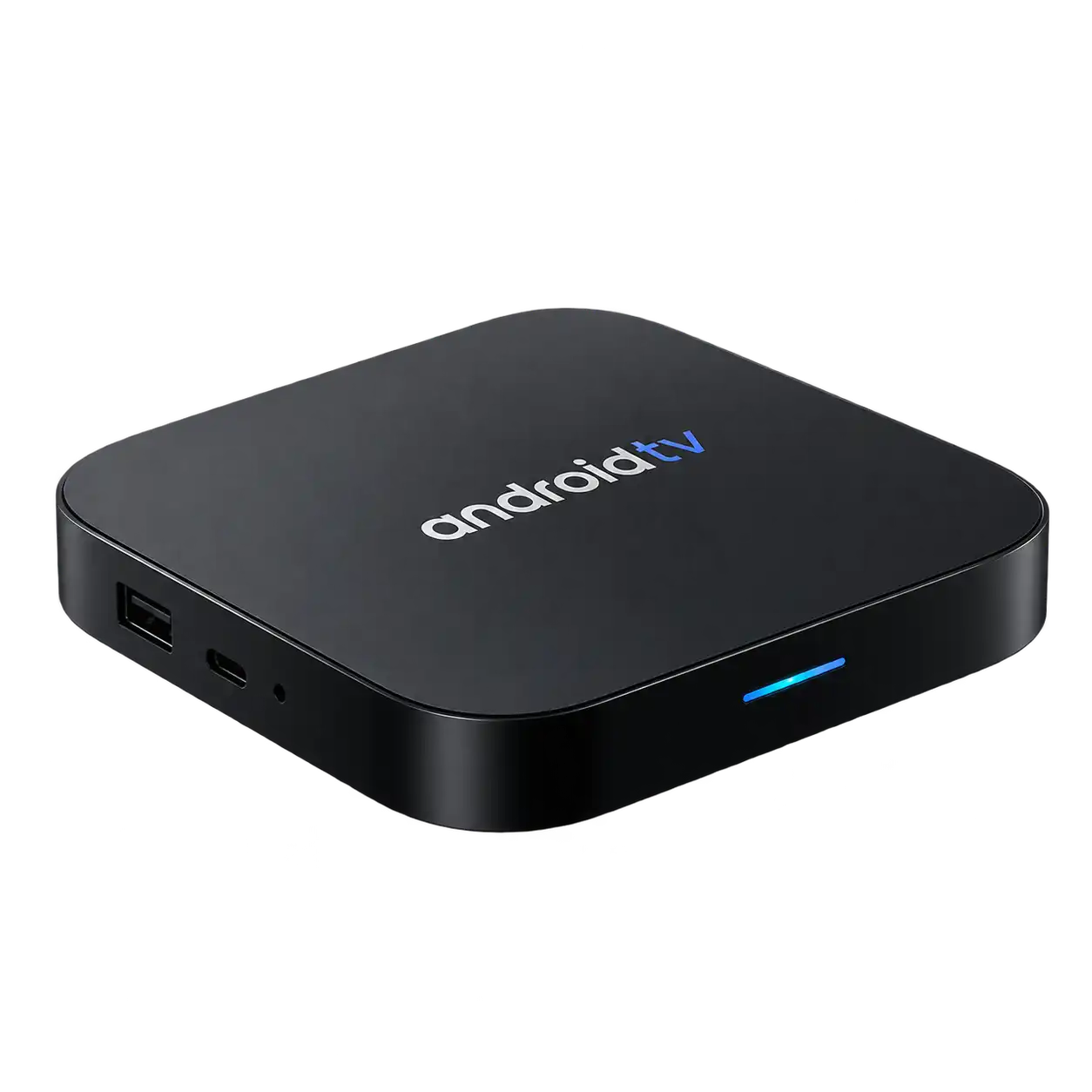
IPTV on Android TV
TV boxes- Open the Google Play Store on your Android TV or box and install the recommended IPTV player app.
- If the app is not in the store, install it from the download link our support team sends you.
- Open the app and enter the login details from your order.
- Let the channel list load and start streaming.
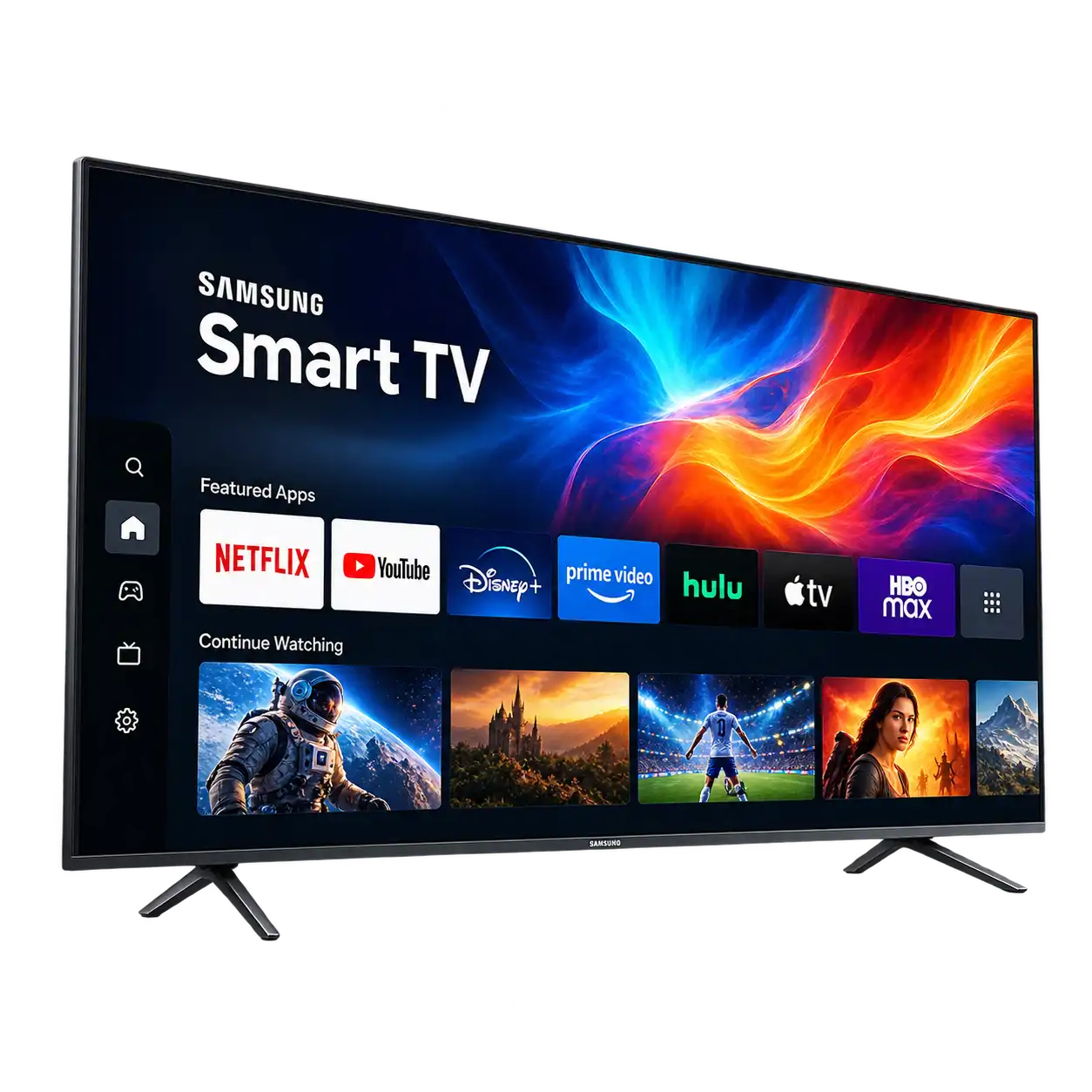
IPTV on Smart TV
Samsung, LG and more- Open your TV’s app store, such as the Samsung Smart Hub or the LG Content Store.
- Search for and install a supported IPTV player app. Our support team can tell you the best app for your model.
- Open the app and enter the login details we sent you.
- Wait for the playlist to load, then start watching.
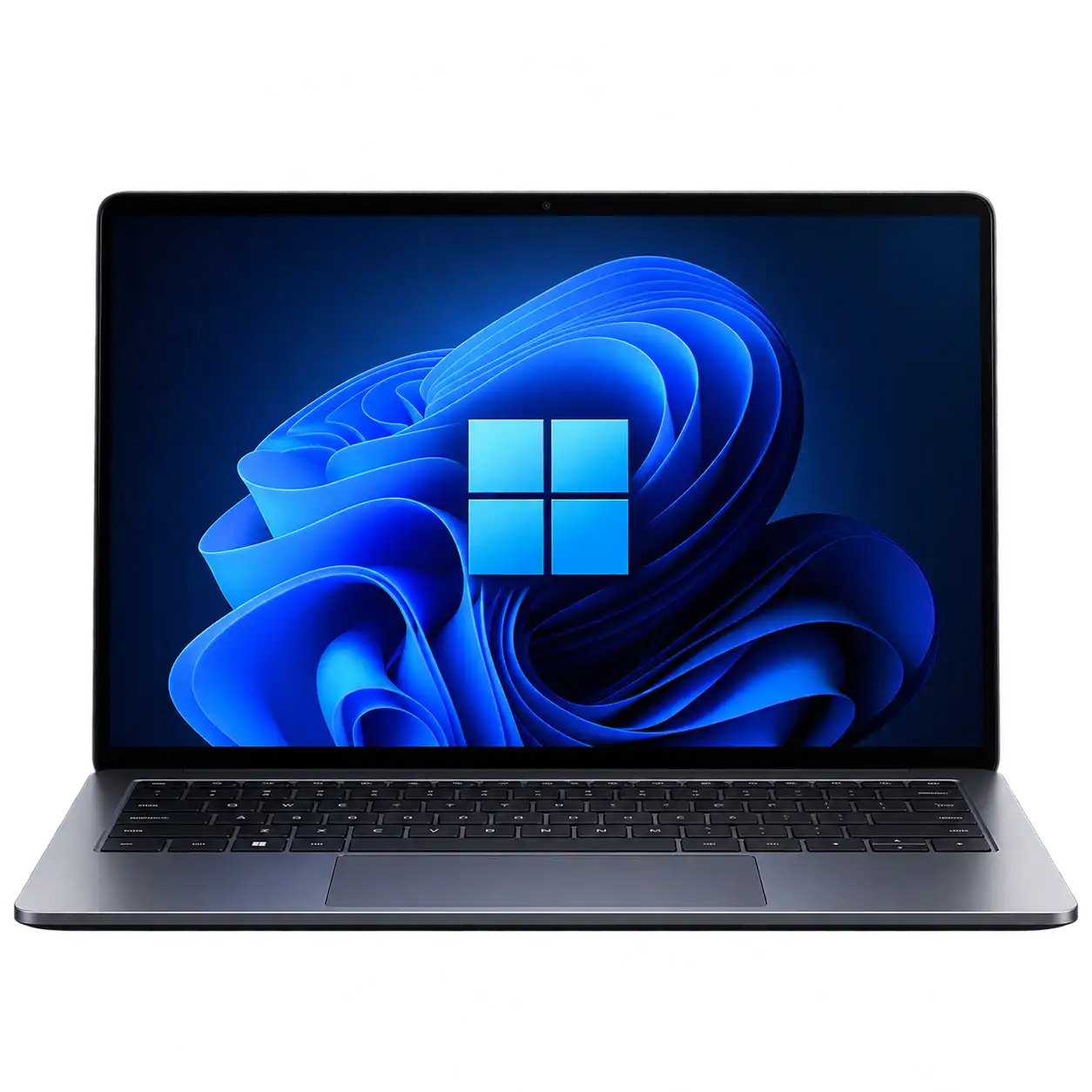
IPTV on Windows PC
PC & laptop- Download and install a compatible IPTV player app on your PC or laptop.
- Open the app and choose to add a playlist or log in.
- Enter the login details or playlist link from your order.
- Once the channels appear, pick one and enjoy.
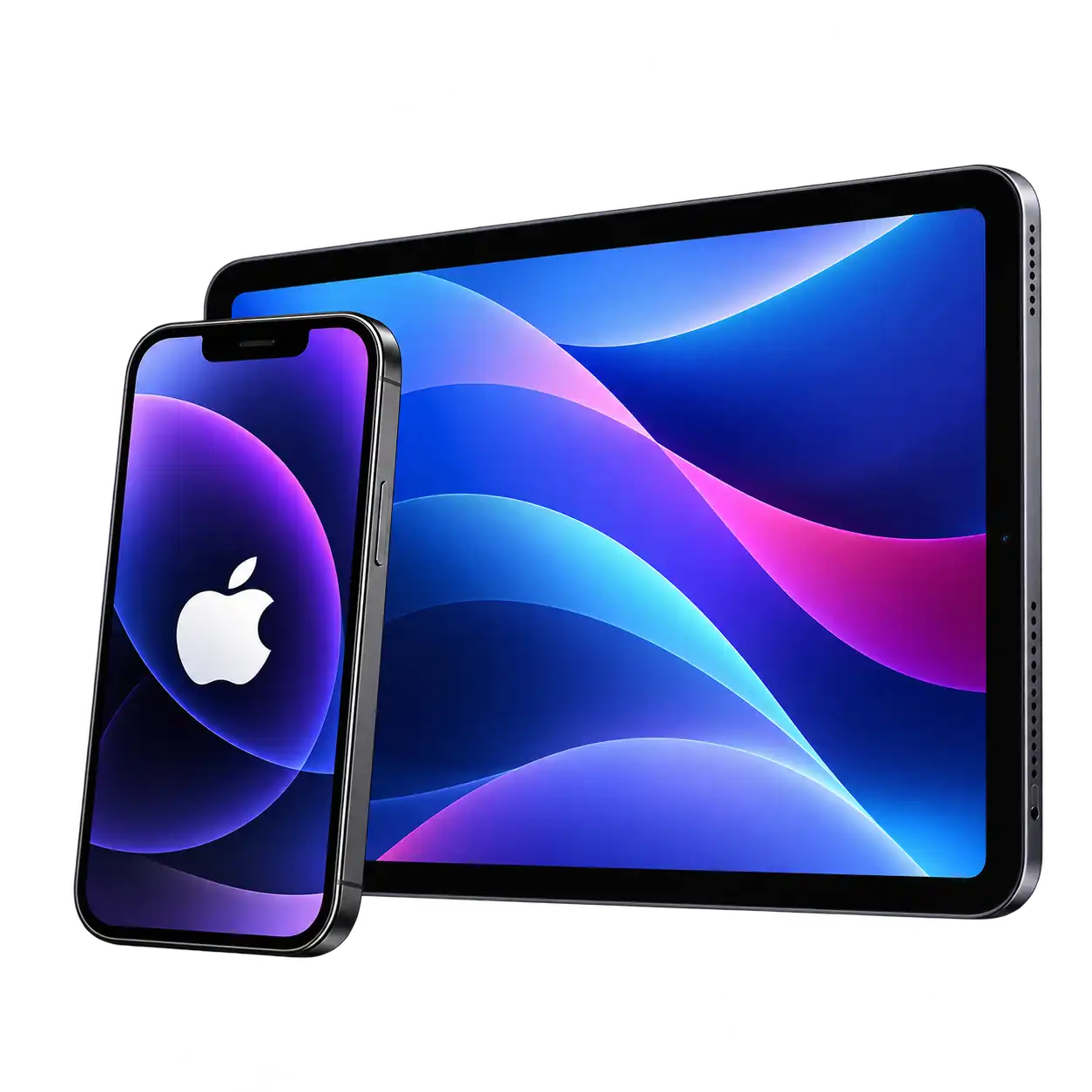
IPTV on iPhone and iPad
iPhone & iPad- Open the App Store on your iPhone or iPad and install a compatible IPTV player app.
- Open the app and choose to add a new playlist or account.
- Enter the login details we sent you by email or WhatsApp.
- Wait for the channels to load and start watching on the go.
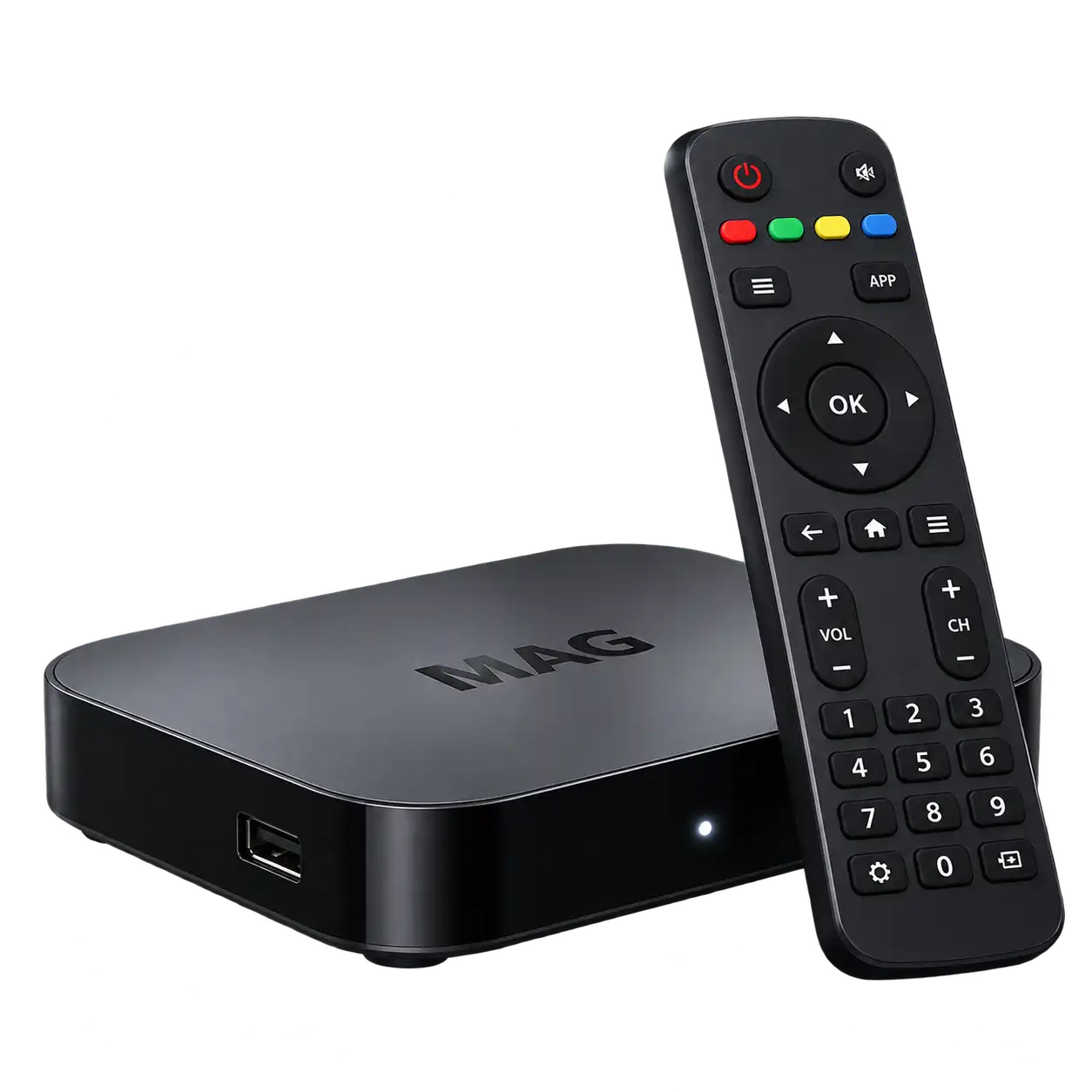
IPTV on MAG Box
& Enigma2- On your MAG box, go to Settings → System settings → Servers → Portals.
- Enter a portal name and the portal URL that our support team sends you.
- Save the settings and restart the box.
- When it starts again, the channels will load automatically.
Need help with setup? Our support team is available 24/7 on WhatsApp.
Get Setup Help on WhatsAppHave Questions?
We’ve Got Answers.
Find quick answers to the most common questions about 4K IPTV USA. Still need help? Our support team is one message away.
Chat with Us on WhatsApp4K IPTV USA is a premium IPTV service with 40,000+ live TV channels and 200,000+ movies and series in HD, FHD and 4K quality, available on all popular devices.
You can use it on Fire TV Stick, Android TV boxes, Smart TVs (Samsung, LG and more), Windows PCs and laptops, iPhone and iPad, Android phones and tablets, MAG boxes and other IPTV players.
Once your order is confirmed, we send your IPTV login details by email or WhatsApp, usually within minutes.
A stable connection matters more than raw speed. As a general guide, aim for about 10 Mbps for HD and 25 Mbps or more for 4K. On Wi-Fi, keep your device close to the router, or use an Ethernet cable where possible.
Yes. Our support team is available 24/7 on WhatsApp and will help you set up the service on your device.
Please see our Refund Policy or contact our support team on WhatsApp and we will review your request.
IPTV delivers television over your internet connection instead of a satellite dish or cable. You install a compatible IPTV player on your device, sign in with your login details, and stream live channels and on-demand content.
No special box is needed for most setups. You use a compatible IPTV player app on devices such as Fire TV Stick, Android TV, Smart TVs, phones and PCs. MAG boxes connect through a portal URL that we provide.
The number of devices depends on the plan you choose. Our plans cover 1 to 5 devices, so pick the option that matches your household.
Choose a plan and send your order on WhatsApp, then complete payment with the method we confirm. We send your login details, you install a compatible IPTV player, enter your details and start watching. The setup guides on this page walk you through each device.
Yes. Every plan includes a TV guide (EPG), so you can see what is on now and what is coming next, where your player supports it.